Training videos for your staff, from one screen recording
No camera, no editing, no script. Do the task once and Kistorium makes a narrated video and a written guide your staff can follow.
Recording needs a Windows PC.
A real one
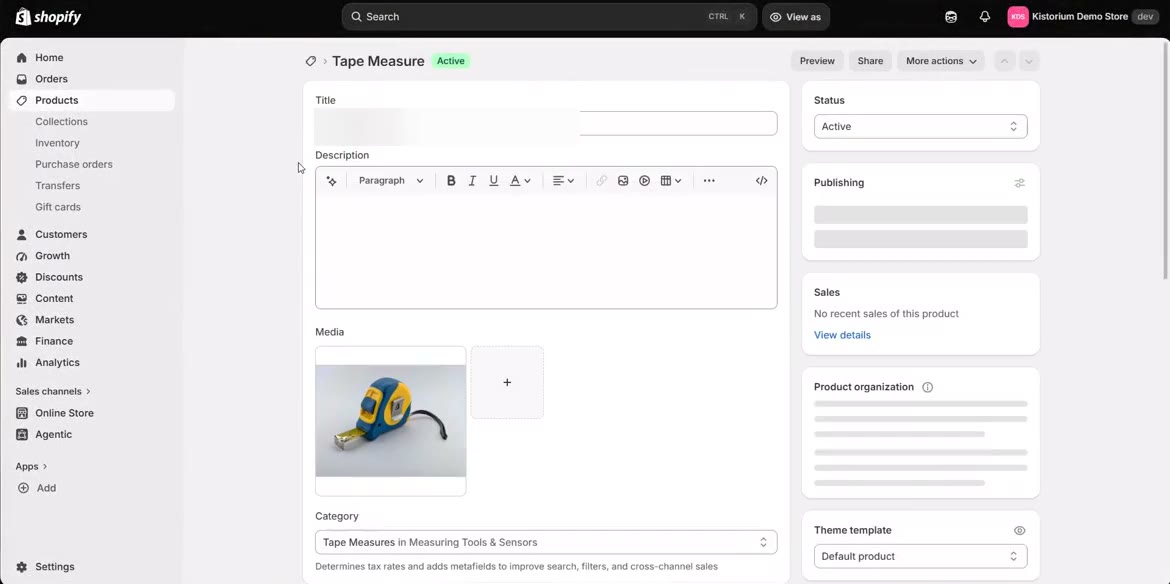
This training video was made with Kistorium from one recording: how to update stock after a stocktake in Shopify. 15 steps, a 1:22 narrated video, and the written guide beside it.
How it works
1. Do the task once
Start the free recorder and do the job as you always do, in a web browser or any program. No sound is recorded, so there is nothing to say.
2. Kistorium makes the training
You get a narrated video with the waiting cut out, and numbered steps with screenshots. Change any word and blur anything private.
3. Your staff follow it
Teams and categories decide who sees which guides. A share link opens on a phone with no account, and any guide prints or saves as a PDF.
Questions
How long can a recording be?
Up to three minutes. It stops by itself at the limit.
Do I have to talk?
No. No sound is recorded. The voice-over is made from the steps.
Does the viewer need an account?
No. Anyone with a share link can open the guide. An Admin turns the link on.
Does adding people cost more?
No. Invite as many people as you like.
Does it work on a Mac?
You can watch, edit and share on any device. Recording needs a Windows PC, or you can write a guide by typing the steps.
Make your first training video today.
Your first five guides are free. No card needed.
Get started free