Record a task once. Get a training video and a written guide.
Kistorium turns one screen recording into a narrated how-to video and a step by step guide your staff can follow.
Recording needs a Windows PC.
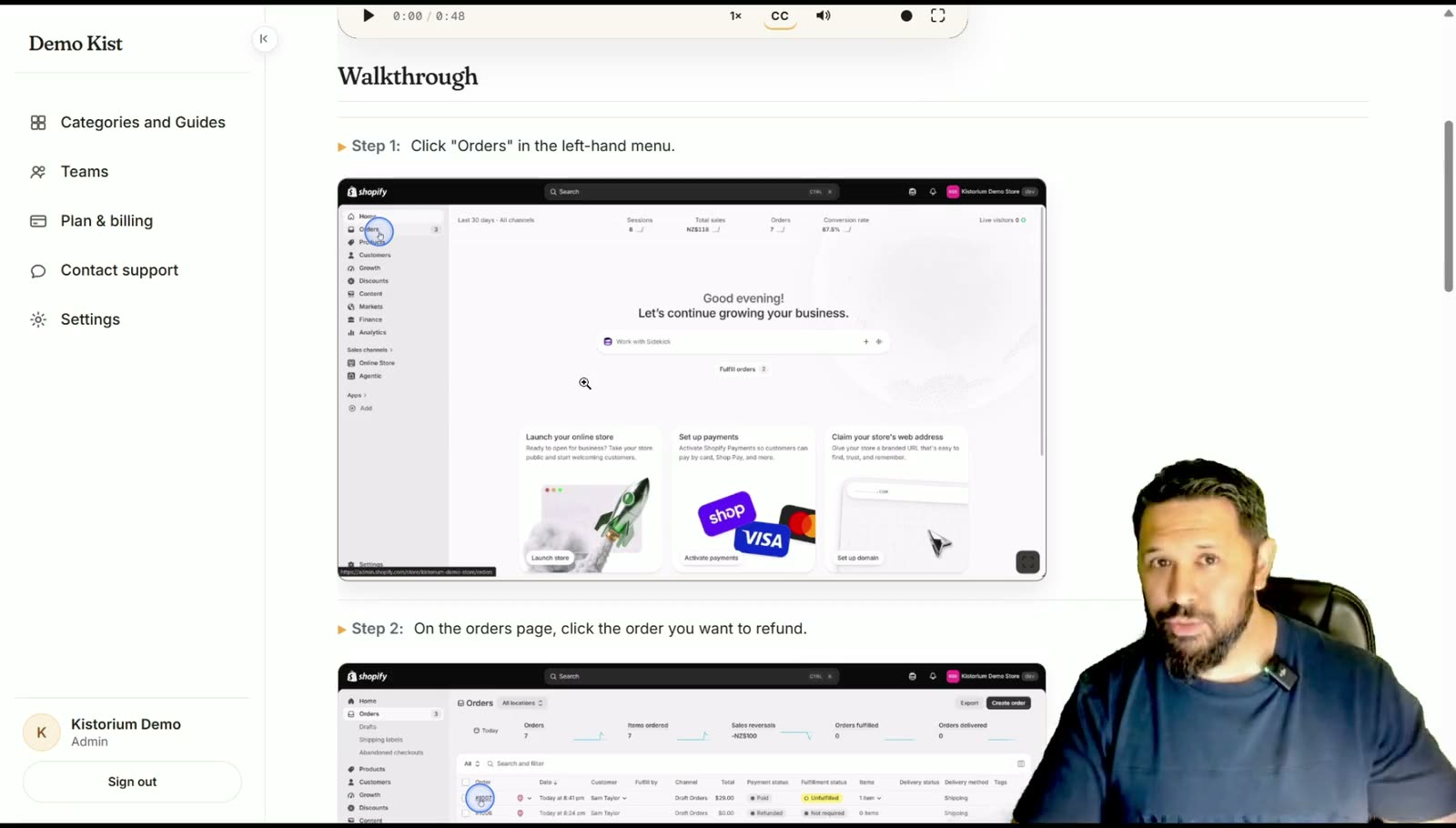
Three steps
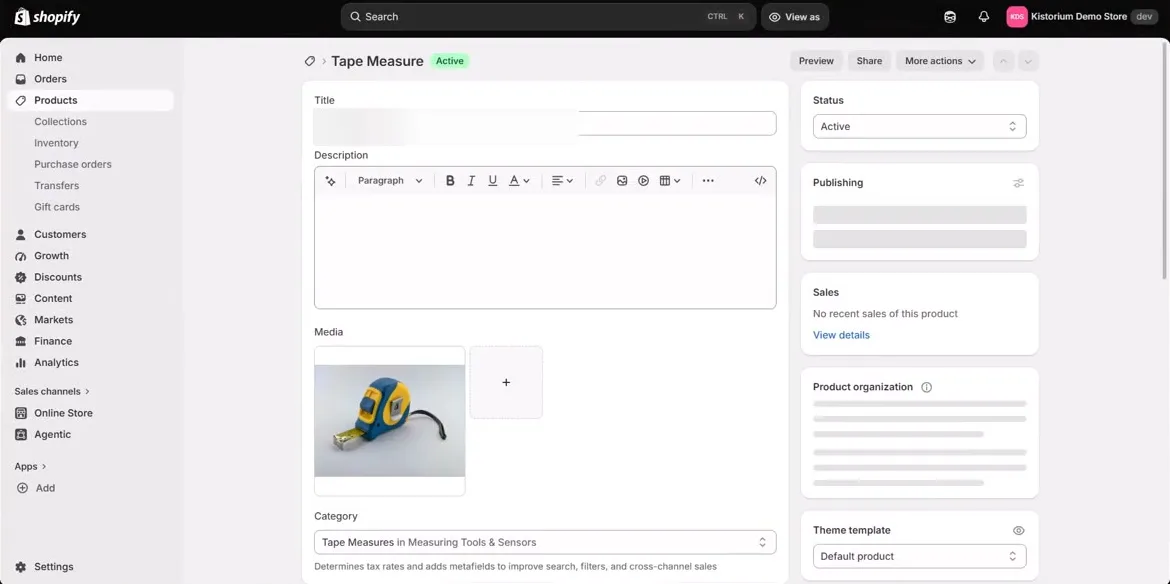
What do you want to teach?
Train new staff once. Get them up to speed fast.
Staff training videos and written step by step guides from one screen recording. Do the task once, and every new starter can follow it.
- Your best people stop repeating themselves
- New starters follow it on their own
- Nothing gets missed
How to update stock after a stocktake
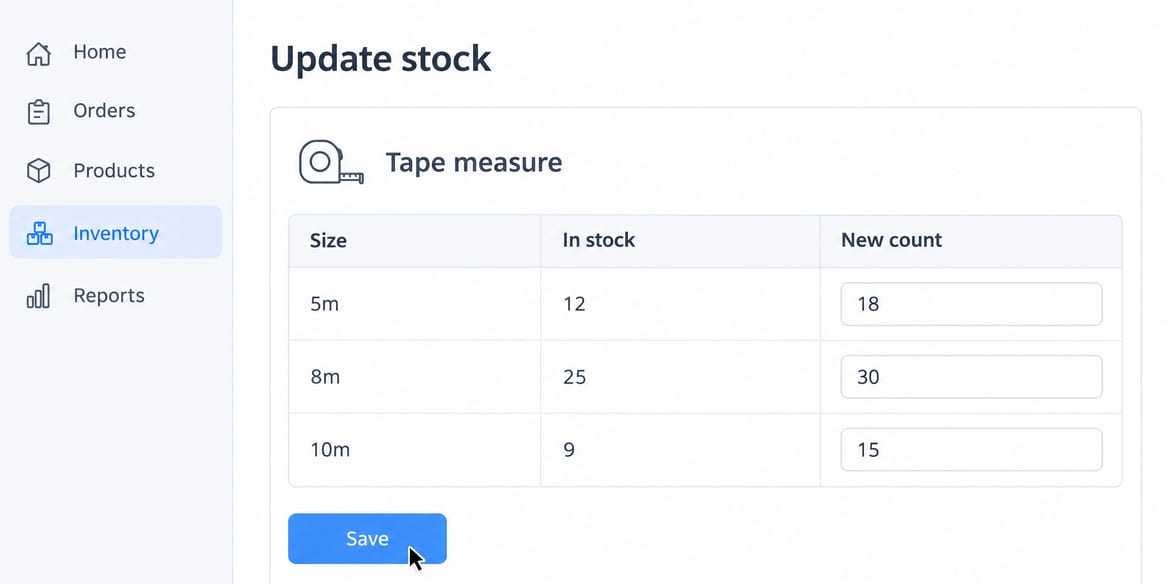
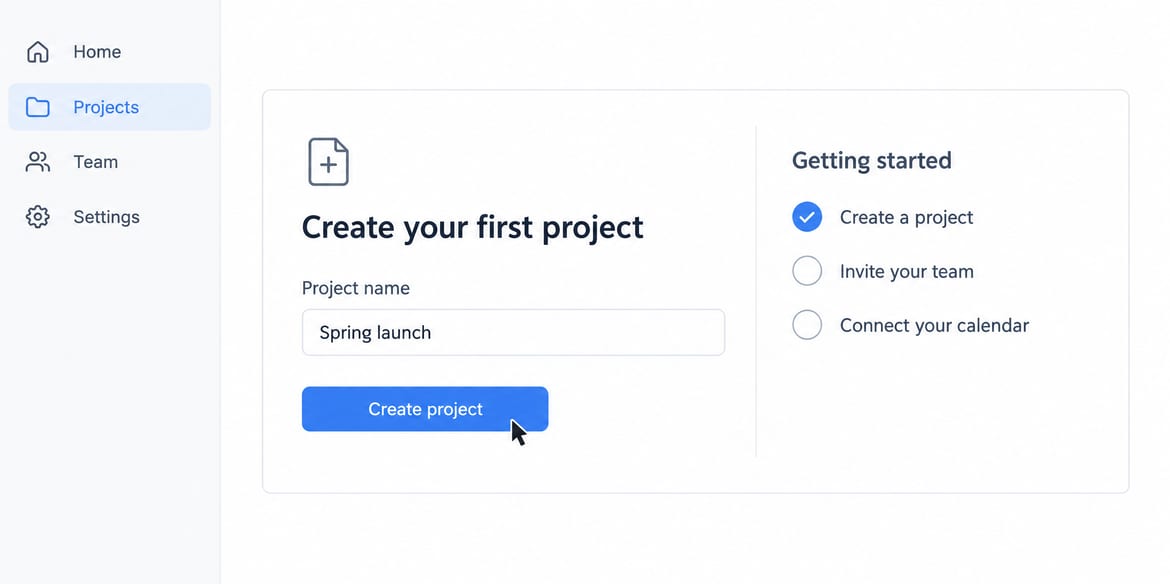
Show your customers how to use your app.
Software tutorials and product walkthroughs for a new startup app or an established one. Record it once on screen and send a link instead of booking a call.
- Every click becomes a step
- One link answers the same question every time
- Customers follow it on a phone or computer
How to create your first project
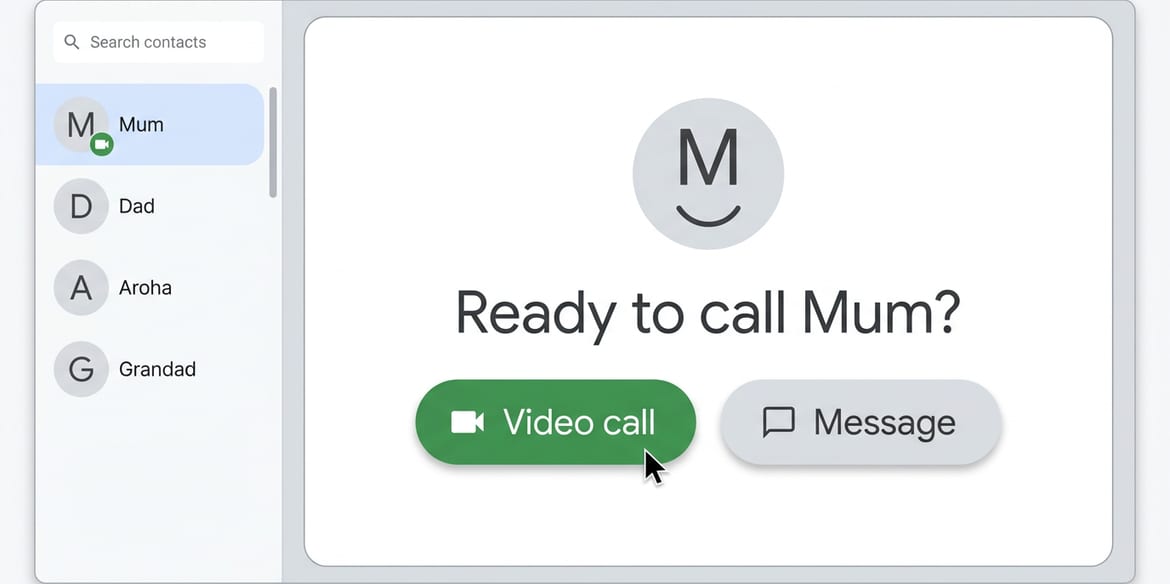
Show Mum how to do it once. She can watch it again any time.
Tech help for family and friends, especially older people who find computers hard. Send the link and they follow at their own pace.
- No account needed to watch
- Pause and replay any step
- Works on their phone or computer
How to video call Mum
Tutorials that show every step.
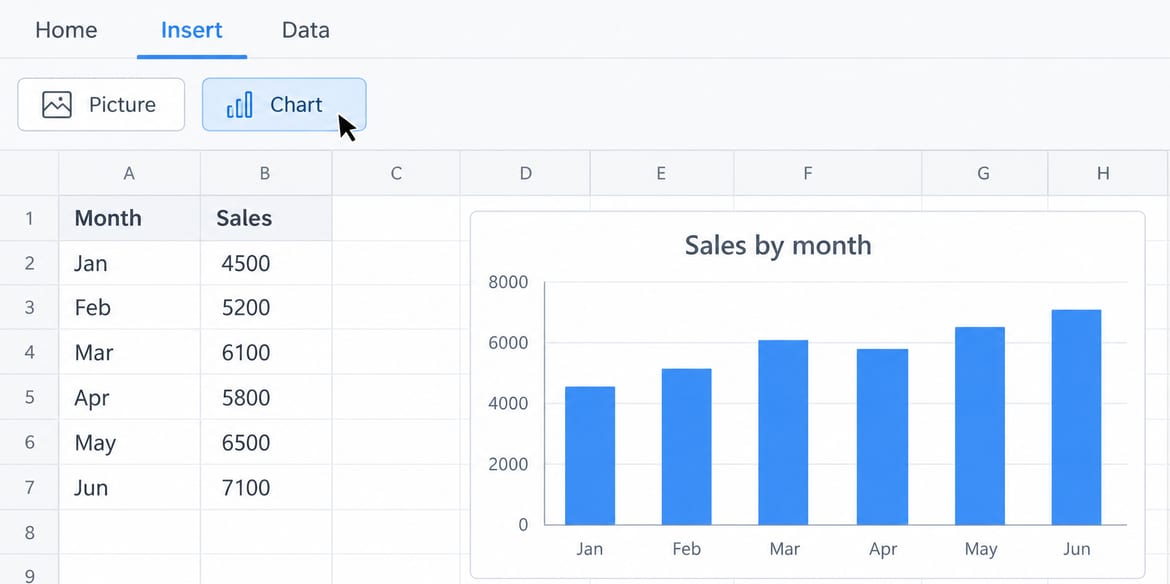
Make a computer tutorial for a class, or show how you worked something out in a spreadsheet, design program or any software on your PC.
- A narrated tutorial video
- A written guide with screenshots
- Save it as a PDF to hand in
How to add a chart to a spreadsheet
Explain how you did it, without saying a word.
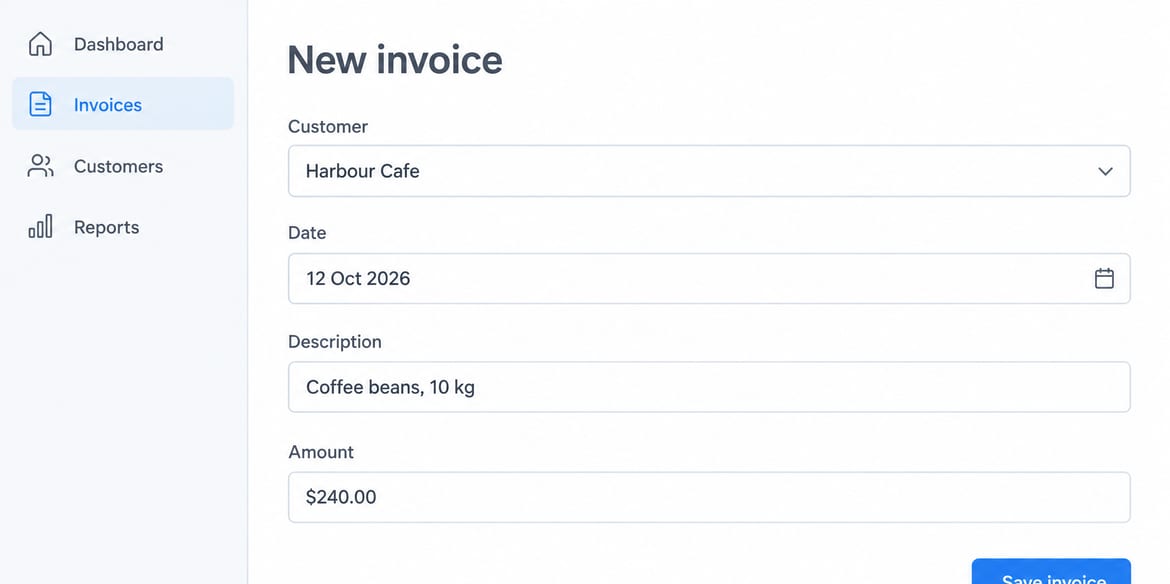
Do the task as normal. No microphone, no script. Kistorium writes the steps and adds the voice-over, so anyone can see exactly how it was done.
- No talking needed
- Every click becomes a step
- A record of how the work was done
How to save a new invoice
What you get back
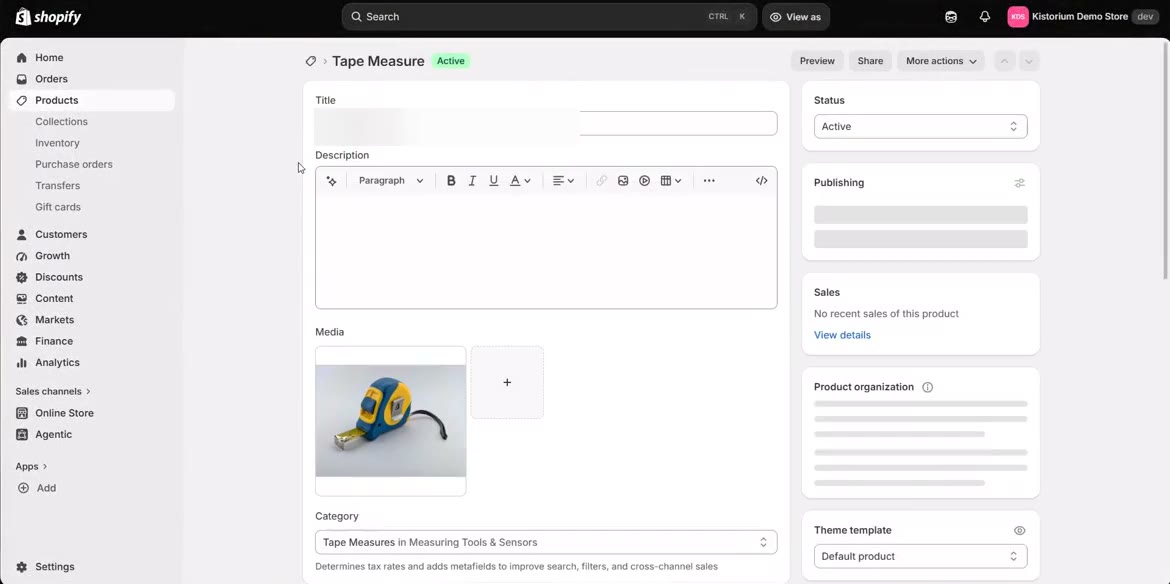
A narrated video
A voice-over walks through it. The waiting is cut out.
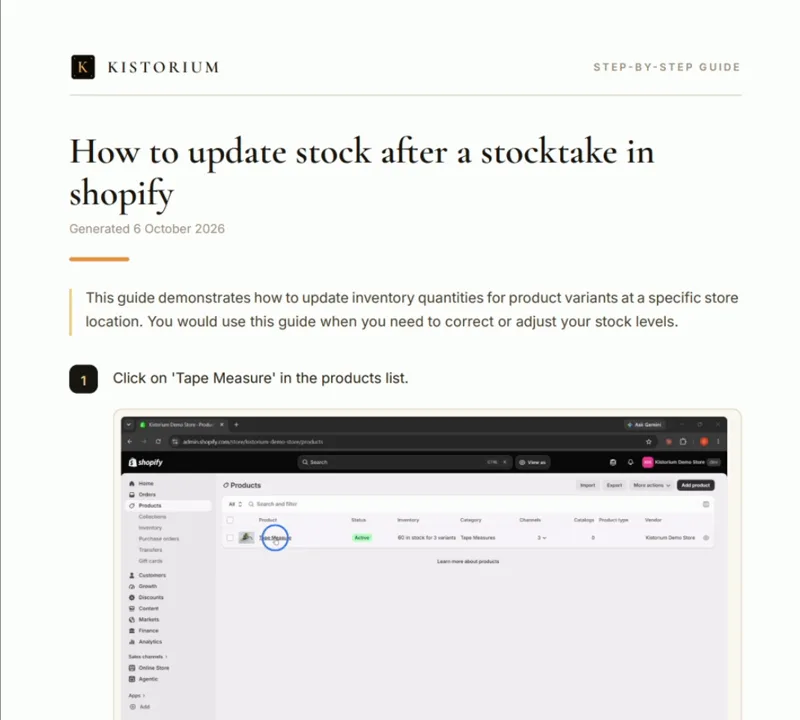
A written guide
Numbered steps with screenshots. Change any word.
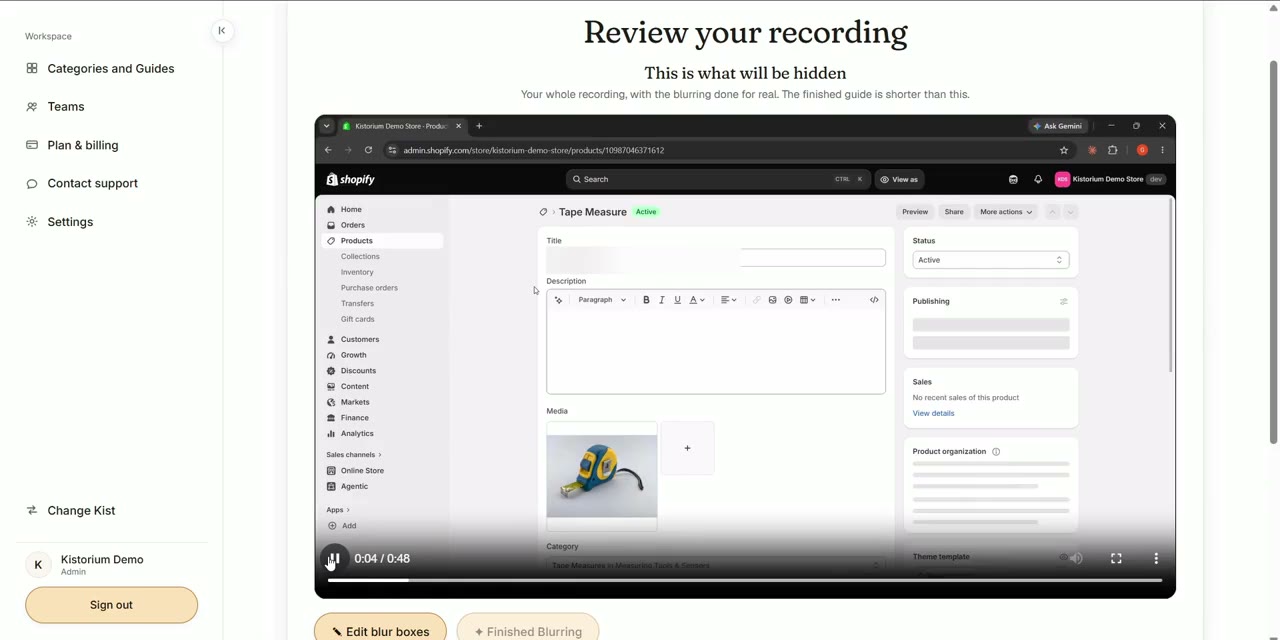 Blurred
Blur anything private
Drag a box over it.
Reads well on a phone
Open the link anywhere. No account needed.
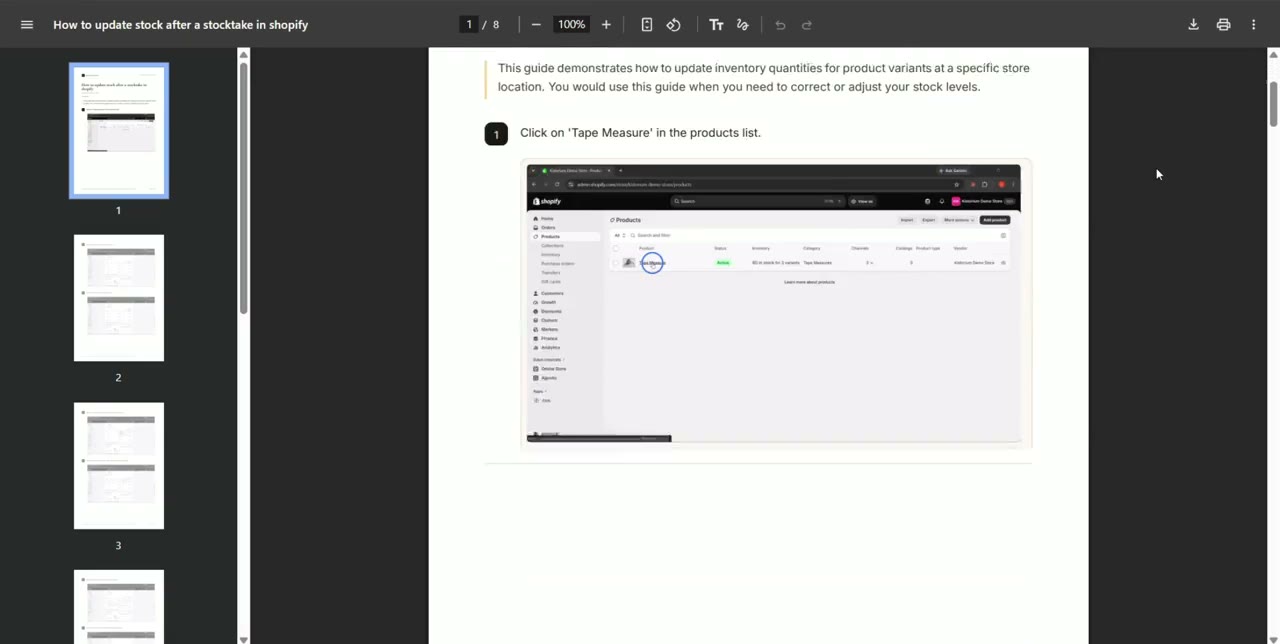
Print it or save a PDF
For the staff room wall or the training folder.
How it is different
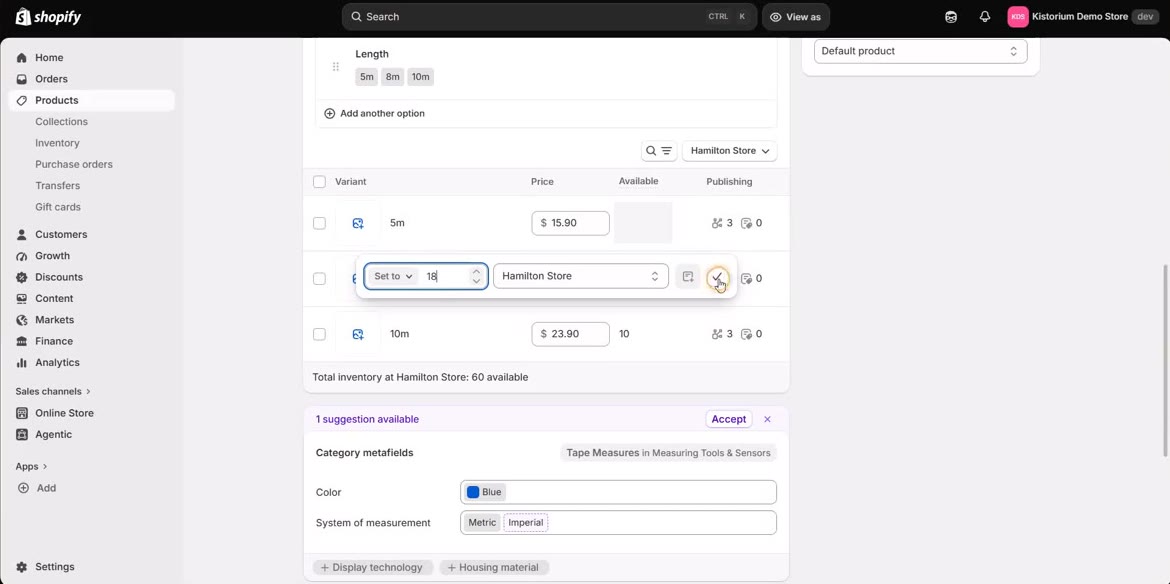
Your real screen, not AI pictures
The video shows your actual recording, every real click. Nothing on screen is redrawn or made up.
A video and a written guide, from one recording
Some people like to watch. Some like to read. You record once and both are made.
Pay once. No subscription.
Buy a pack when you need one. It never expires, and your whole team watches for free.
Your first five guides are free.
No card needed. After that, buy guides in packs. No subscription.
Does it work on a Mac?
You can watch, edit and share on any device. Recording needs a Windows PC, or you can write a guide by typing the steps.
Do I have to talk?
No. No sound is recorded. The voice-over is made from the steps.
How long does it take?
Most guides are ready in about ten minutes.
Do you train AI on my recordings?
No. Google's AI reads them for us, under terms that forbid training on them.
Does adding people cost more?
No. Invite as many people as you like.